 Dawnova
App blocker · iPhone & Android
The app blocker that gets you up and outside.
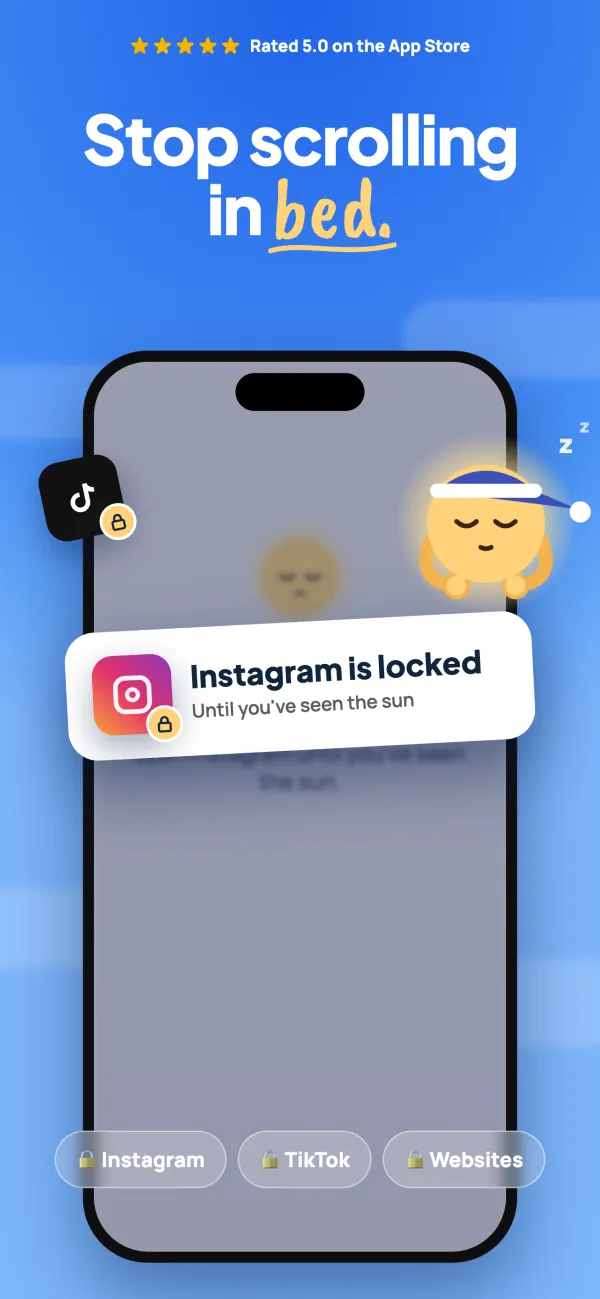
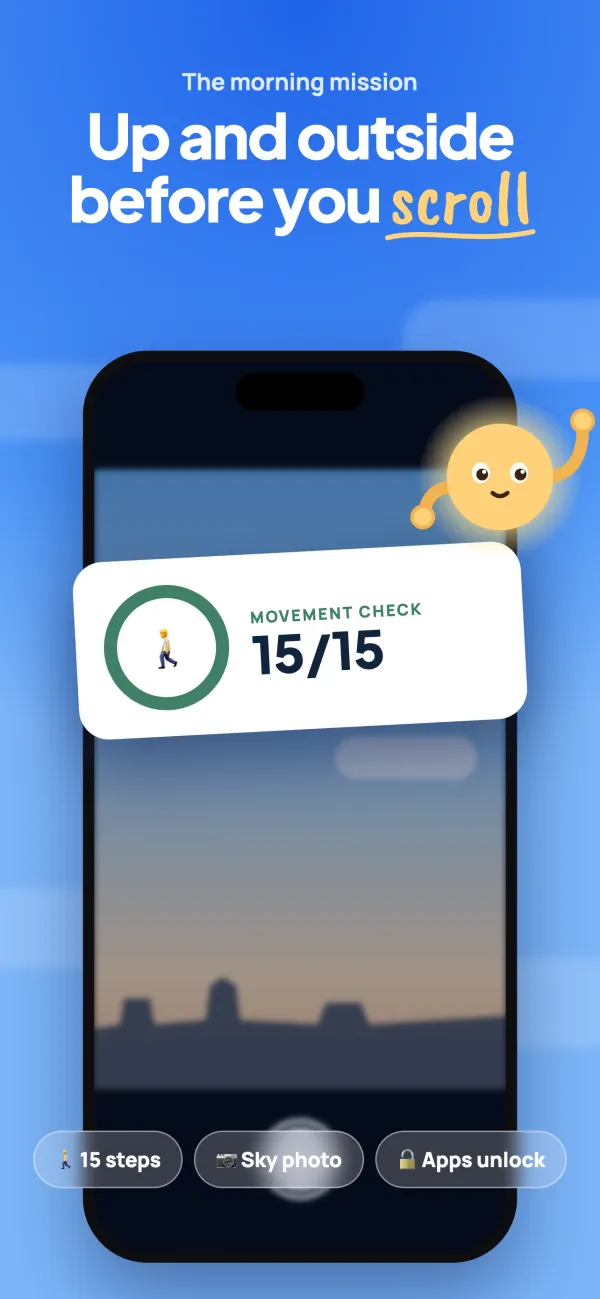
Dawnova keeps TikTok, Instagram and any app you pick locked until you’ve walked 15 steps and snapped the real sky. Quick Block, daily limits and an evening wind-down take care of the rest of your day.
How it works
A passcode is easy to tap past. A walk outside isn’t.
Most blockers ask for willpower. Dawnova asks you to stand up. Tapping past a passcode takes a second; walking to a window doesn’t.
Pick the apps that steal your mornings
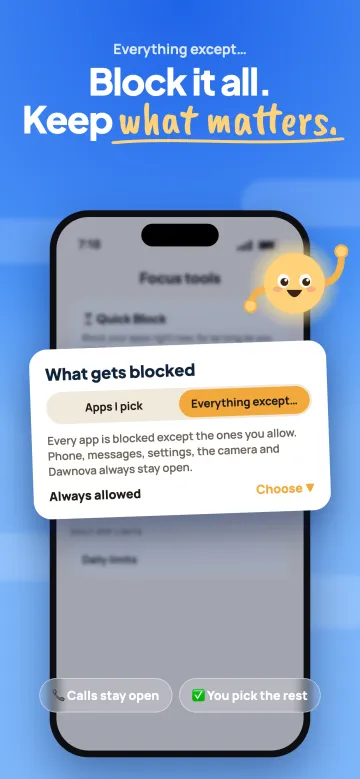
Choose them once with Apple’s Screen Time picker on iPhone, or from your app list on Android. Or block everything except the apps you need.
Walk 15 steps, then snap the sky
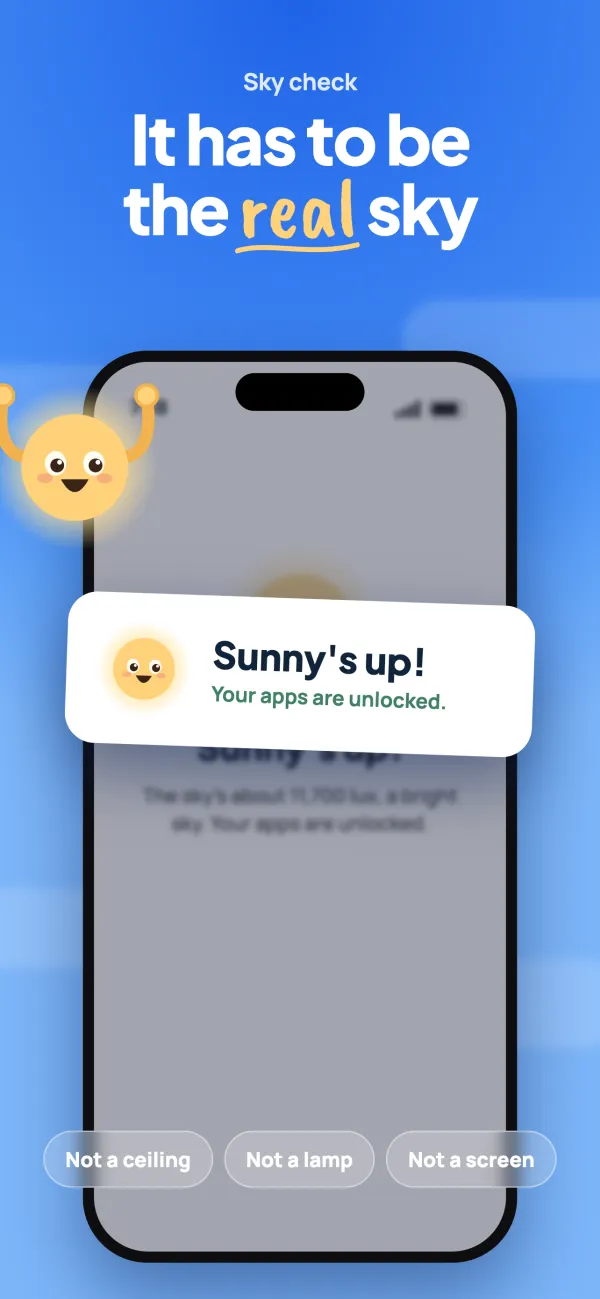
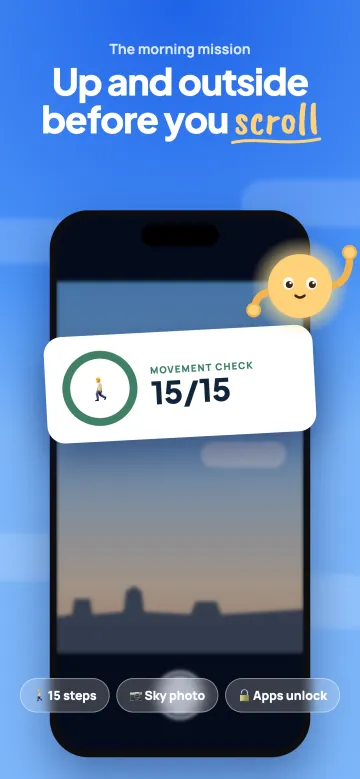
When your alarm goes off, the apps stay locked. Get out of bed, walk 15 steps, and take a photo outside or at a window. Sunny checks it’s really the sky, not a ceiling, a lamp or a screen.
Your apps unlock, and the day starts right
A few minutes of light, timed to your sunrise and the weather, counts for the day. Your streak grows and every sky photo lands in your sunrise archive.
Everything in one app
Block apps, set limits, and get your sleep back
One app for the moments your phone takes over: first thing in the morning, while you’re trying to focus, and in bed at night.
Morning Focus
Apps stay locked each morning until the mission is done: 15 steps and a photo of the sky. On dark winter mornings your light lamp counts.
How to set it up →Quick Block
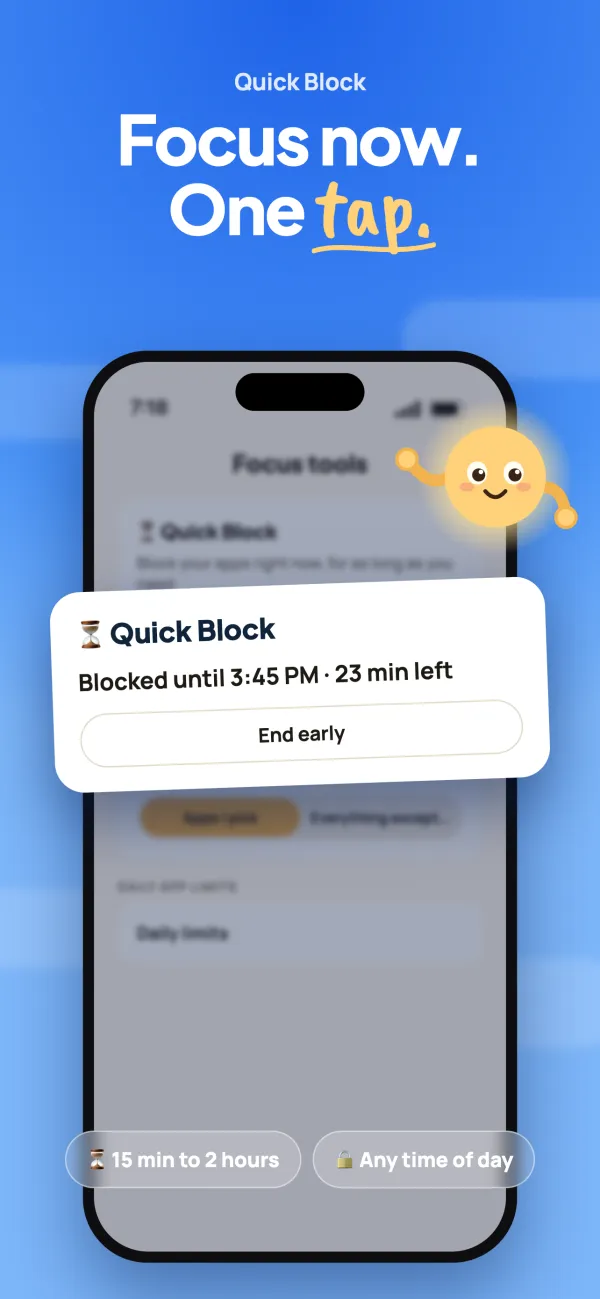
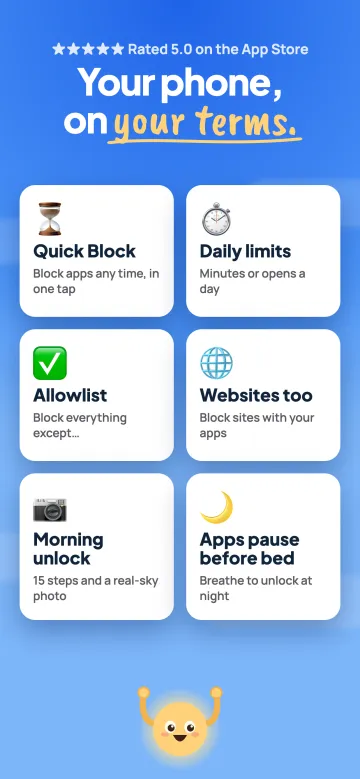
One tap blocks your apps right now, for 15 minutes up to 2 hours. Free, any time of day.
Start a Quick Block →Daily limits
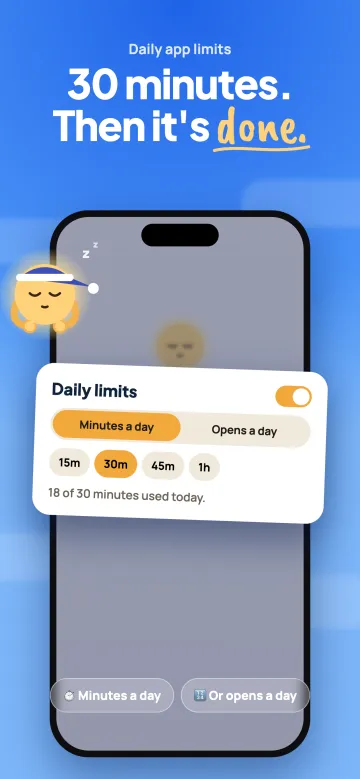
Give an app 30 minutes a day. When the time’s up, it’s done until tomorrow.
Set a daily limit →Allowlist mode
Block everything except the apps you need, like Maps, Messages or your bank. New apps are blocked automatically.
Use the allowlist →Evening Wind-Down
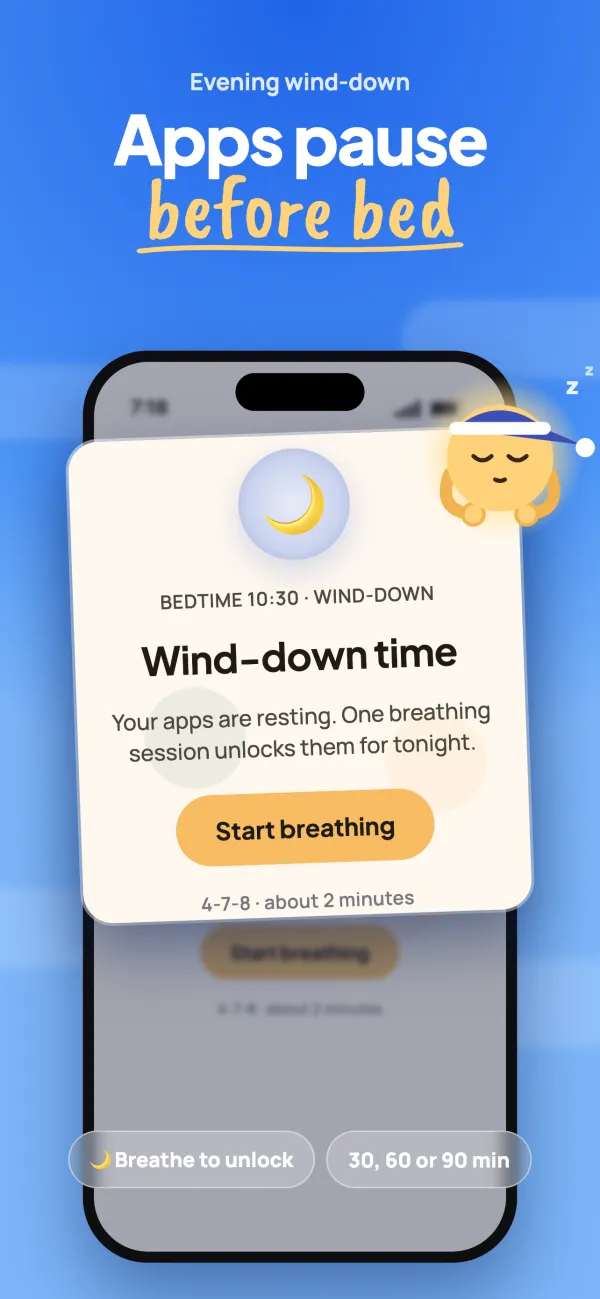
Before bed your apps pause until you finish one guided breathing session, so the last thing you do isn’t scrolling.
Set your bedtime →Screen time stats
See where your time goes: daily totals, pickups, your top apps, and how often Dawnova stopped a blocked app.
See your stats →Morning light sessions
A light timer that adapts to your sunrise and the weather: a few minutes in bright sun, longer on a grey day.
How sessions work →4-7-8 breathing
Guided breathing for bedtime and stressful moments, with a calm timer and gentle haptics.
Try a session →Sleep diary
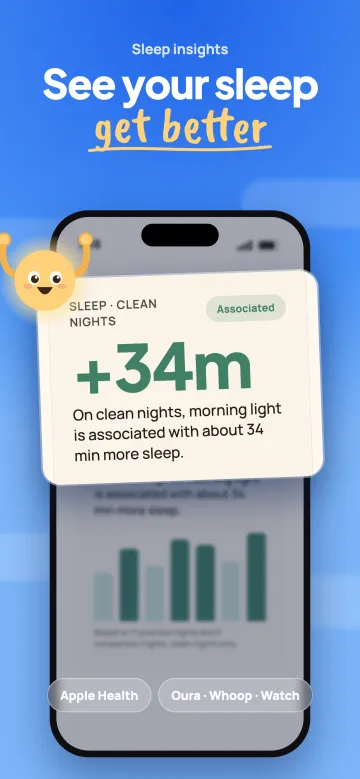
Log how you slept, or connect Apple Health or Health Connect, and see how your nights change on light mornings.
Track your sleep →Morning Focus
It has to be the real sky
A photo of your ceiling won’t do. Dawnova checks the light on your phone, and Sunny makes sure it’s really the sky before your apps unlock.
- 15 steps first, so you’re out of bed before you can scroll.
- Grey, rainy and winter mornings still count.
- Before sunrise, a photo of your light lamp unlocks instead.
- No camera? The steps alone unlock your apps.
Quick Block & limits
Focus now. One tap.
Studying, working, or just done with the feed? Start a Quick Block from the Today tab, or give an app a daily allowance it can’t go over.
- Quick Block for 15 minutes, 30 minutes, 1 hour or 2 hours.
- Daily limits per app: when the time’s up, it’s done for today.
- On Android, the block screen counts how many times you tried to open a blocked app.
Evening Wind-Down
Apps pause before bed
Pick a bedtime. Shortly before it, your apps pause until you finish one guided breathing session. Skip it and they stay paused until midnight.
- Guided 4-7-8 breathing and other calming patterns.
- A sleep diary that shows what late coffee or a late dinner does to your night.
- Connect Apple Health or Health Connect, or log it yourself.
Inside the app
Your phone, on your terms
Pricing
Less than a coffee a month
Start free. Your first morning is on us, and Pro comes with a free trial.
Free
- Quick Block, any time of day
- Block the apps you pick
- 4-7-8 breathing
- Light sessions and your streak
Pro yearly
- Morning Focus with the sky-photo unlock
- Evening Wind-Down
- Daily limits and allowlist mode
- All breathing patterns and full insights
Pro monthly
- Everything in Pro
- Or pay once: Lifetime $79.99
US prices. Your store shows the price in your currency. Subscriptions renew until cancelled in your App Store or Google Play settings.
Questions
Good to know
How does Dawnova block apps on iPhone and Android?
On iPhone, Dawnova uses Apple’s Screen Time framework, the same system parental controls use, so blocked apps show a Dawnova shield. On Android, it uses an Accessibility service that only notices which app opens, and shows a block screen over apps you’ve chosen. How blocking works.
What if it’s dark or raining when I wake up?
Grey and rainy mornings still count, because outdoor light is far brighter than indoor light even under clouds. Before sunrise or on very dark days, a photo of your light lamp unlocks instead, and the steps alone unlock if you can’t use the camera. You’re never locked out because of the weather.
Can I still use my phone for calls, maps and messages?
Yes. Dawnova only blocks the apps you choose. In allowlist mode it blocks everything except the apps you keep, and calls and your phone’s own system screens always work.
Can I get out of a block in an emergency?
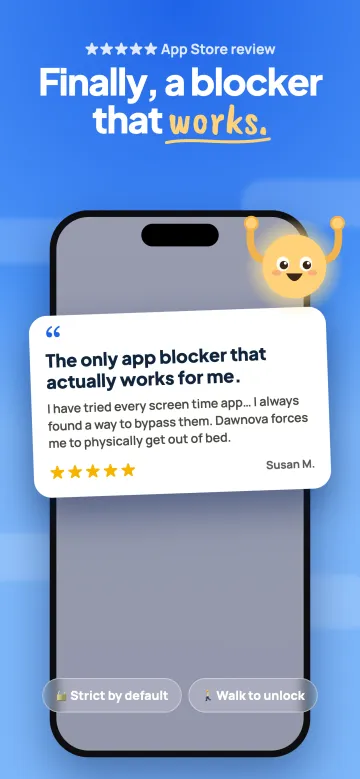
Yes. Quick Block has an End early button. Morning Focus has a Skip button unless Strict Mode is on, and even in Strict Mode an “Unlock anyway” option appears if you’re stuck on the mission for 3 minutes. Nobody gets trapped behind the block screen. How to unlock in an emergency.
Does Dawnova read my messages or see my photos?
No. Dawnova never reads what’s on your screen. The sky check looks at your photo only to confirm it’s the sky, and never saves it. Screen time numbers stay on your phone. Read the privacy policy.
How do I cancel Pro?
Cancel any time in your iPhone’s Settings → your name → Subscriptions, or in Google Play → Payments & subscriptions → Subscriptions. Step by step.